Alphablocks on YouTube: Why Parents Use It for Phonics (and How to Watch Safely)
FamilyTube channel guide #3
If your child is starting to notice letters — or you're wondering whether YouTube can actually help with learning to read — Alphablocks is one of the first channels parents ask about.
It's a CBeebies phonics show: living letter blocks who say their sounds (not just letter names) and build words together. For many families (including mine, a dad of toddler twins), it's the reading counterpart to Numberblocks — letters here, numbers there.
- Official channel: youtube.com/@officialalphablocks (~4.07M subscribers; 2,118 videos as of Oct 2026)
- Starter playlist — Level 1 (Red) | Phonics First Steps (36 videos; playlist updated 11 Feb 2026): Level 1 Red playlist
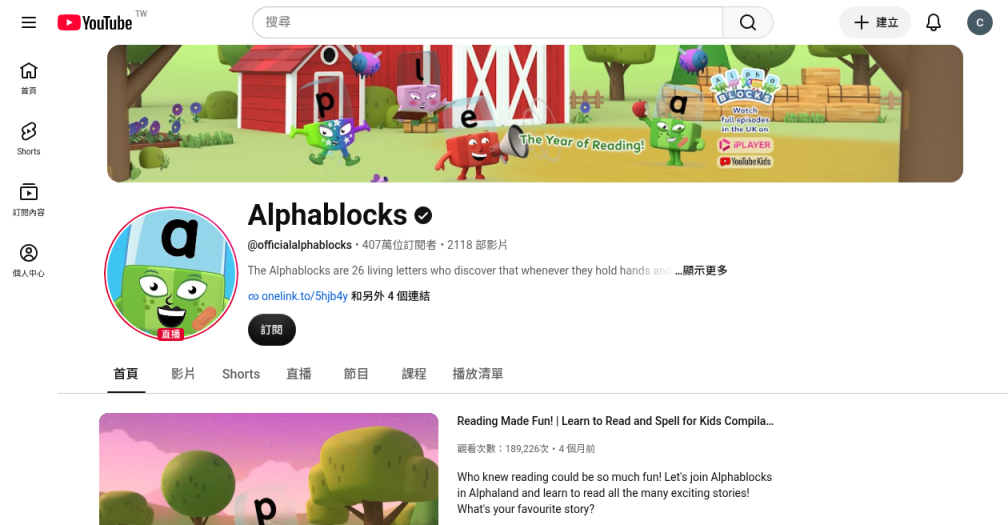
What is Alphablocks?
Alphablocks is a step-by-step phonics programme on CBeebies: 26 letter characters in a world where words come to life when blocks hold hands. Each block's personality matches its letter sound — the approach teachers call systematic synthetic phonics.
It shares a creative family with Numberblocks (Joe Elliot and Blue Zoo Animation). CBeebies's grown-ups' phonics guide describes five colour-coded stages — Red, Orange, Yellow, Green, and Blue — so you can match episodes to what your child is ready for, not random alphabet order.
Short episodes (often under five minutes) suit intentional screen time. Common Sense Media rates Alphablocks TV-Y and suggests age 2+ for preschoolers learning letter sounds — use your child's interest and attention as the real guide.
Is Alphablocks good for learning to read?
For many parents, yes — when you treat it like phonics practice, not passive TV.
1. Sounds first, not just ABC song letter names
Alphablocks characters say phoneme sounds ("tuh", "puh") and show blending (sounding out then pushing sounds together). That matches how modern phonics is taught in many schools.
2. Colour stages give you a path
From CBeebies's Alphablocks phonics guide:
| Stage | Colour | Focus (summary) |
|---|---|---|
| 1 | Red | First letters & sounds; simple CVC words; sounding out & blending |
| 2 | Orange | Remaining alphabet letters; more simple words |
| 3 | Yellow | Letter teams (digraphs) |
| 4 | Green | Blends |
| 5 | Blue | Long vowels & trickier patterns |
Practical age note: Many families start when a toddler or preschooler is curious about letters — often around 2–5, depending on the child. Stay on Red and Orange until simple word blending feels comfortable; repeat favourites — CBeebies encourages revisiting the same episodes.
3. Calm compared with much of kids' YouTube
Like Numberblocks, Alphablocks is structured learning with gentle humour — not hyper jump-cut chaos.
4. Pairs naturally with Numberblocks
Same universe, different skill: Alphablocks = reading / phonics, Numberblocks = maths. Many twin-dad evenings alternate one short reading clip and one maths clip — both on a short whitelist.
Alphablocks vs Numberblocks — quick comparison
| Alphablocks | Numberblocks | |
|---|---|---|
| Skill | Letters, sounds, early reading | Counting, number sense, early maths |
| CBeebies focus | Phonics stages (Red → Blue) | Maths levels 1–5 |
| Best starting point | Level 1 Red playlist in order | Series / Level 1 from One → Five |
| Typical parent question | "Is my child ready to learn sounds?" | "When can they understand number bonds?" |
You don't have to pick one — but don't start Alphablocks in the middle of Blue stage if your child doesn't know basic sounds yet.
My take as a twin dad
Alphablocks is my go-to when we're working on sounds and early words, the same way Numberblocks is my go-to for quantity and number sense.
I like that Red stage doesn't assume your child already reads. I also like that the official Level 1 (Red) playlist exists — less guessing than scrolling the whole channel.
The catch is still YouTube itself: recommendations, autoplay, and "one more" compilations. That's why we watch approved episodes inside FamilyTube, not the open app feed.
The catch: great phonics ≠ safe YouTube feed
Even excellent CBeebies-origin content sits inside YouTube's recommendation system. Comments, suggested videos, and mega-compilations can still pull kids sideways.
FamilyTube is built for that gap:
Kids only watch parent-approved YouTube videos.
No recommendation feed. No endless scrolling. No surprise next video.
You keep Alphablocks. You drop the algorithm.
Where to start: Red Level 1 (in playlist order)
For a toddler or preschooler just starting out, start Level 1 (Red) — CBeebies's "first steps" stage (letters such as s, a, t, p and early blending). When Red feels solid, move to Orange before jumping to Yellow/Green/Blue digraphs and long vowels.
Official starter:
- Channel: https://www.youtube.com/@officialalphablocks
- Alphablocks - LEVEL 1 (RED) | Phonics First Steps: https://www.youtube.com/playlist?list=PLSW2D61TnopSi2X7Fl9QvoYmllUbcEI9Q
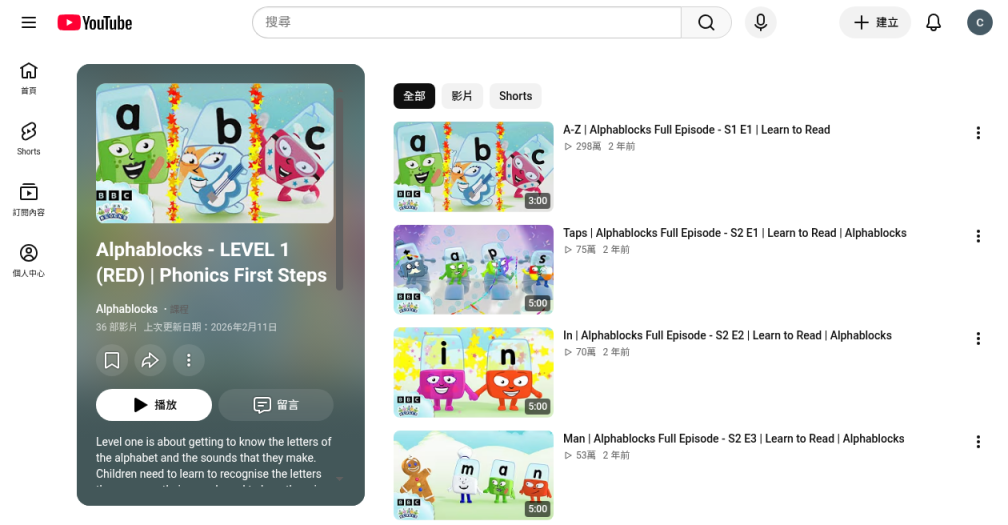
Suggested first three from that playlist (in order):
-
A–Z (S1 E1) — letter order and sounds across the alphabet
-
Taps (S2 E1) — Red-stage focus on t, a, p, s
-
In (S2 E2) — early blending practice
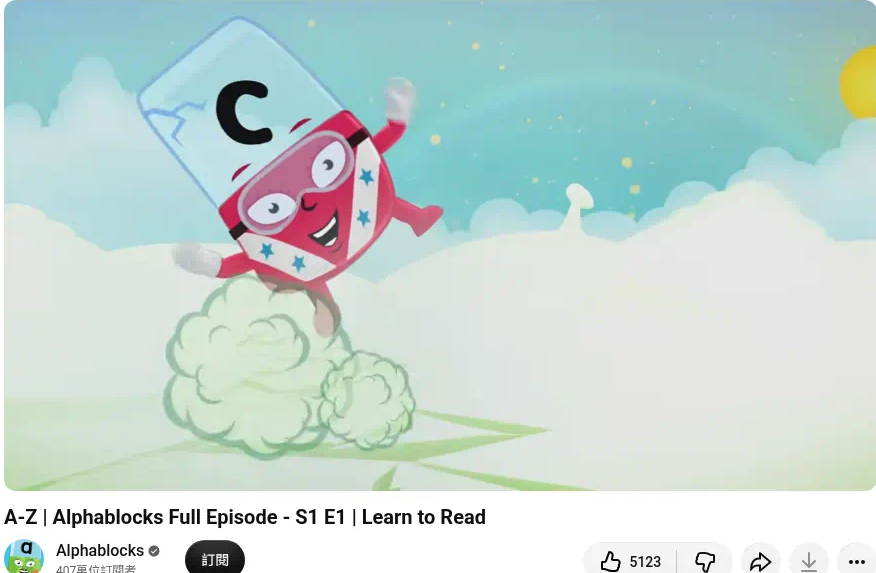
A–Z (S1 E1) — Learn to Read; player title “A-Z | Alphablocks Full Episode - S1 E1”; letter C on screen. 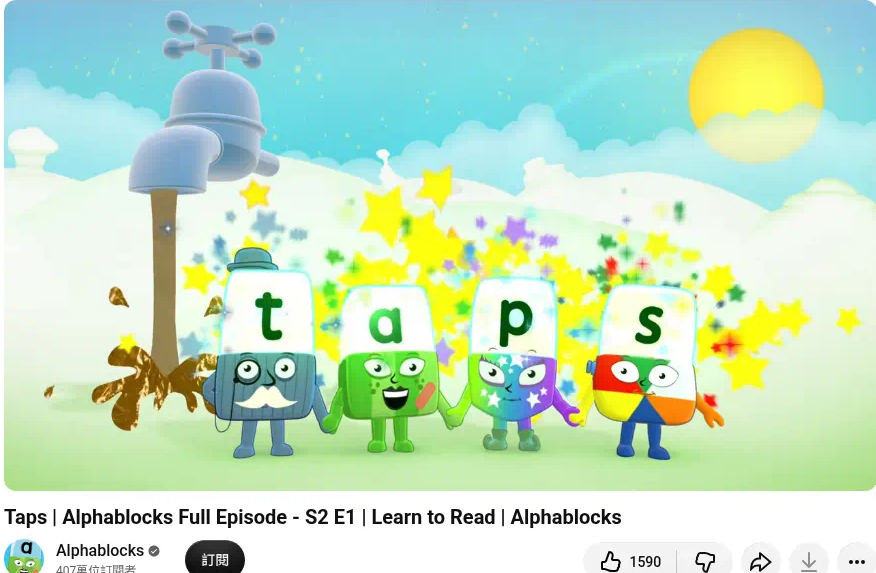
Taps (S2 E1) — Red stage; letters t, a, p, s on screen. 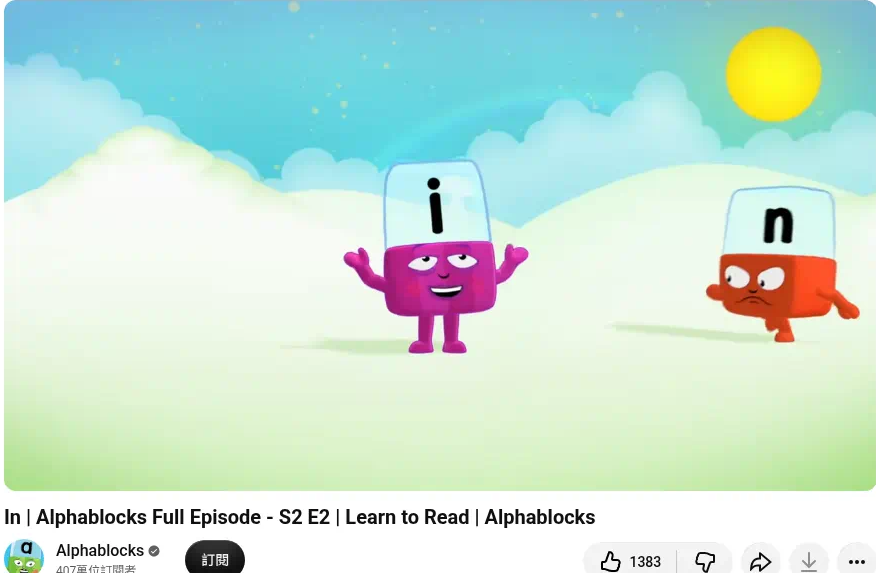
In (S2 E2) — letters i and n on screen.
Tips after the first three
- Stay on Red + Orange until your child can read simple CVC words confidently (CBeebies cites examples like mat, hen, big for early stages).
- Prefer ordered Level playlists over random "full alphabet" mega-mixes.
- Pair with real life: one episode, then point out one sound on a cereal box or street sign — thirty seconds is enough.
How to watch Alphablocks safely in FamilyTube
- Open FamilyTube (parent mode).
- Search for Alphablocks, paste a YouTube link, or share from the YouTube app.
- Add the Level 1 (Red) episodes you approve — or a short custom list — to your child's playlist.
- Turn on Child Mode.
- Hand over the iPad knowing the next video can't wander into mystery recommendations.
Result: your child can enjoy Alphablocks — and only what you approved.
Download FamilyTube on the App Store
Quick FAQ
What age is Alphablocks for?
Common Sense Media suggests 2+ for preschool phonics. Many families use it from toddler/preschool years through early primary while stages still match school phonics — adjust to your child.
Is Alphablocks good for learning to read?
It's designed as systematic phonics (CBeebies + literacy-aligned materials). It works best when you start at Red, repeat episodes, and connect sounds to real-world reading — not as a one-off background video.
Which episodes should we start with?
Use the official Level 1 (Red) | Phonics First Steps playlist in order: A–Z, then Taps, then In, then continue through Red before Orange.
Alphablocks vs Numberblocks — which first?
Either fits preschoolers; many homes use both. If your priority is sounds and early words, start Alphablocks Red. If it's counting and number sense, start Numberblocks Level 1.
Can I add the whole channel at once?
In FamilyTube you can import trusted channels or pick videos one by one. For beginners, a short Red-stage list is usually calmer than everything Alphablocks has ever uploaded.
Does FamilyTube replace YouTube?
No. FamilyTube uses YouTube's player for videos you choose. It removes the open recommendation rabbit hole for your child.
Bottom line
Alphablocks is a rare kids' YouTube pick for CBeebies phonics: colour-coded stages, sound-first letters, and a clear Red Level 1 entry path on the official channel.
Start ordered. Keep the whitelist short. Pair with Numberblocks if you want numbers too. Watch inside FamilyTube so good phonics doesn't get undone by a bad recommendation.
See our Numberblocks guide for early maths, Scratch Garden for phonics songs, Art for Kids Hub for follow-along drawing, Cosmic Kids Yoga for movement — or browse all channel guides for more parent-trusted picks.
Get FamilyTube · Alphablocks on YouTube · Numberblocks guide · All channel guides